I’ve been using Umbrel OS on a Raspberry Pi 4 for almost a year and a half, primarily as a media server, and I’ve always kept it up to date. However, I haven’t been using it much lately; the last time I watched something on it was nearly a month ago. Today, when I tried to log in via the browser, I couldn’t connect, even though it was turned on. I checked my router’s connected devices list, and it wasn’t there.
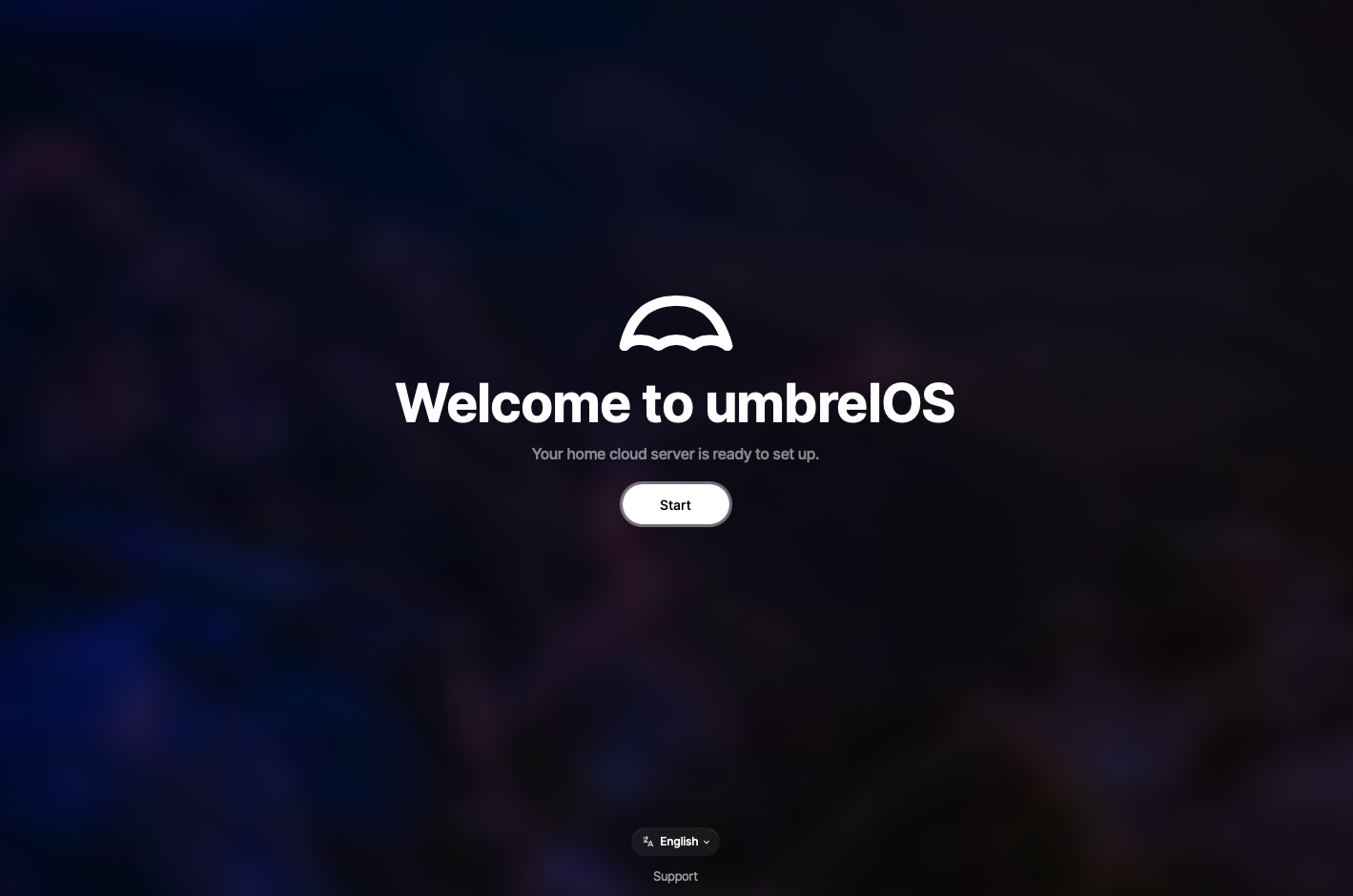
Not knowing what to do, I unplugged the power and turned it on again. It reappeared on the router’s list, but when I tried to log in, it prompted me with the welcome screen, as if it were a new installation. There’s no option to log in, and I’m afraid that proceeding might erase my data. What should I do?
(sorry if it already has been posted, i didn’t know how to search for this)
Hi @Lukemaciel, my first thought would be to try and see what is on the installation. In particular, in /home/umbrel/umbrel/app-data , as I would expect to see directories in there. Two options I can think of for viewing the files are
Here’s a summary of what I’ve already tried. I’m sharing as much information as I can, since I don’t fully understand all the configuration and terminal details. If I’m missing something important, please let me know.
I connected the SSD drive to my Mac. It prompted me to allow access, but it didn’t mount (likely because it’s formatted in EXT4).
I connected the SD card to my computer, and it mounted three drives: “config”, “boot-a”, and “boot-b”.
I logged in via SSH through the macOS terminal, and it appeared that the SSD drive wasn’t mounted on the server.
I switched the SSD cable to the other USB 3.0 port on the Pi, but it still doesn’t work.
I flashed Umbrel OS to a new SD card (to keep the old one safe). I downloaded it from GitHub and used both Balena Etcher and Raspberry Pi Imager to flash it to an 8GB card (tried twice). The server, however, didn’t initialize or even connected to my router.
When I inserted this new SD card into my computer, only two drives mounted: “config” and “boot-a”.
I reinserted the old SD card, and it started normally, but it still prompted me with the welcome screen.
My power supply isn’t the official one, but it provides 18W. I’m ordering an official power supply to eliminate this as a possible cause, though I’m skeptical it will fix the issue. I’ll have to wait for it to arrive.
I haven’t yet tried accessing the SSD data with an external application, but I plan to try that soon.
I don’t have much experience with these setups, so I might be missing something. Any help or suggestions would be very appreciated.